TLDR
A product label is the printed or printable element that identifies a product, presents its brand, and communicates information such as contents, quantity, directions, warnings, or traceability data. It is also a physical production system: the label material, adhesive, finish, shape, liner, and delivery format must work with the package, environment, and application method. Good artwork cannot rescue a label that lifts from the container, wrinkles around a curve, or makes its barcode difficult to scan.
A practical definition of a product label
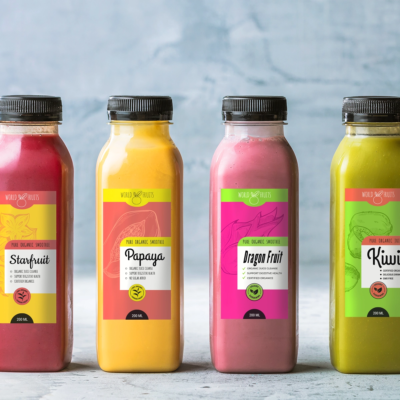
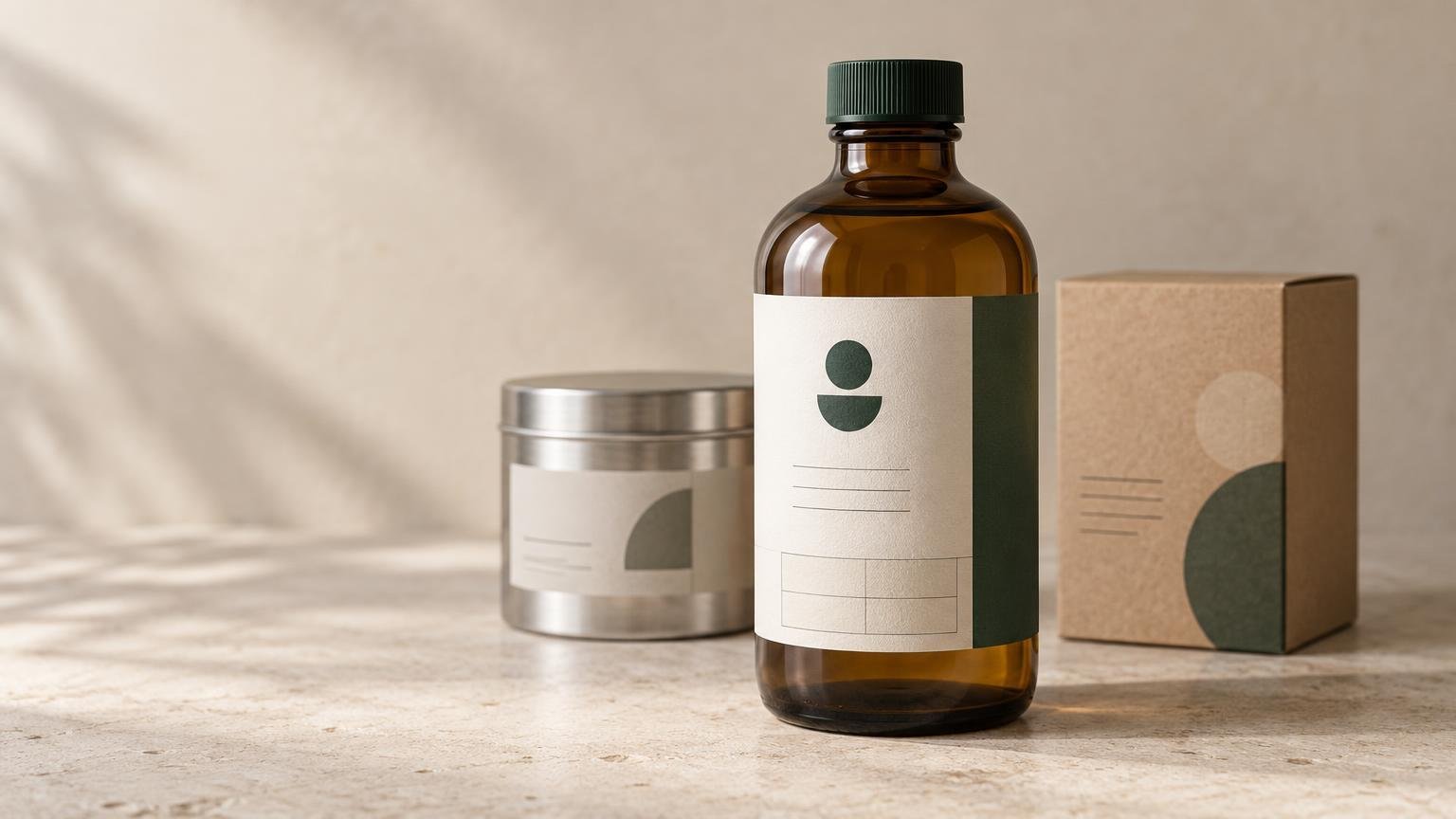
A product label is an information and branding surface applied to a product or its packaging. It may identify a jar of sauce, distinguish one candle scent from another, provide directions on a cosmetic bottle, carry a barcode on a carton, or combine all those jobs in one design.
The words “label” and “sticker” overlap in everyday use. A useful working distinction is that labels are usually information-led and connected to a product or operational task, while stickers are often graphic-led or decorative. That distinction describes purpose rather than a universal manufacturing rule. If the job is primarily a stand-alone graphic, giveaway, or decorative seal, CustomStickers offers custom stickers, labels, and related print options.
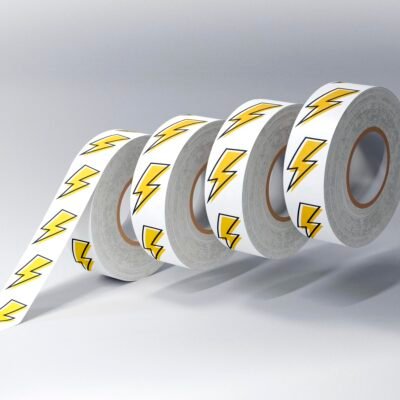
For a common pressure-sensitive product label—the peel-and-stick construction used on many bottles, jars, boxes, and pouches—the finished item can include printable face material, adhesive, a release liner, ink or another print process, and a protective finish. Its size, shape, permanence, and delivery format are also part of the specification.
The three main roles of a product label
| Role | What the label does | Production consequence |
|---|---|---|
| Functional | Helps identify, sort, use, store, open, close, or track the product. | Important text and codes must remain legible after handling and exposure. |
| Branding | Uses color, typography, imagery, shape, and finish to make the product recognizable. | The design must account for the material, container color, available print area, and finishing process. |
| Information | Communicates product identity, quantity, directions, ingredients, warnings, contact details, or variable data where applicable. | Content requirements must be established before artwork is finalized, especially for regulated products. |
Functional roles
A functional label helps the product move through a real workflow. It might carry a stock-keeping code, lot number, flavor name, use instructions, opening indicator, or barcode. The key question is whether that information remains readable and usable at the moment it is needed—not merely whether it looks sharp on a design screen.
Branding roles
A label often supplies much of the visual identity on otherwise standard packaging. A small business can use the same bottle, jar, box, or pouch for several variants and distinguish them through label artwork. The design still has to respect the package: a transparent material behaves differently from an opaque one, a highly reflective finish can affect readability, and small type may become difficult to read at final size.
Information roles
Product labels may carry voluntary selling information as well as legally required disclosures. These are not interchangeable. A scent description or brand story is an editorial and marketing choice; net quantity, product identity, warnings, or category-specific statements may be governed by law.
For U.S. consumer commodities covered by the Fair Packaging and Labeling Act, baseline disclosures generally include the commodity identity, the responsible manufacturer, packer, or distributor and place of business, and net quantity. Other federal agencies and state authorities may impose additional rules for particular product categories. The Federal Trade Commission’s Fair Packaging and Labeling Act regulations and NIST packaging and labeling guidance are useful starting points, but the authority responsible for the specific product category controls the applicable requirements.
Start with five questions before choosing a label
A product label should be specified from the package and workflow outward. Begin with these questions:
- What surface must the label stick to? Identify the actual container material, texture, curvature, coating, seams, and usable labeling panel.
- What environment will it experience? Account for moisture, condensation, refrigeration, oils, chemicals, abrasion, sunlight, heat, and container flexing.
- How will it be applied? Hand application, a dispenser, and an automatic applicator create different requirements for the liner, roll construction, spacing, and orientation.
- How many labels are needed? Quantity and variant count affect whether sheets, rolls, or another production format will be practical.
- What must the design communicate and survive? List branding, instructions, required statements, codes, and variable information before deciding the layout.
Material and adhesive must match the package
The facestock is the visible material that carries the print. The adhesive bonds that material to the package. Choosing them as a system matters because a label can print beautifully and still fail during application or use.
Smooth glass and PET generally provide easier bonding surfaces than lower-surface-energy plastics such as HDPE, LDPE, and polypropylene. Texture, dust, moisture, tight curves, and contamination can make adhesion more difficult. A narrow tube or flexible pouch may also need a facestock flexible enough to follow the package without pulling against the adhesive.
Application temperature and service temperature are separate specifications. A construction may tolerate cold storage after bonding but perform poorly if applied to a wet or chilled container. The practical response is to define both conditions, clean and prepare the surface consistently, and test production samples through the complete workflow. The distinction is covered in more detail in this guide to label application temperature versus service temperature.
Size and shape are package decisions, not artwork guesses
A container’s stated fill volume does not reveal the dimensions of its usable labeling panel. Measure the actual production container, locate the smooth and relatively straight area, and leave clearance from shoulders, bases, seams, caps, and sharp curves. A full-size paper mockup can expose fit and handling problems before printing.
Tapered containers deserve special attention. A straight rectangular label can wrinkle or skew because the top and bottom of the package have different circumferences. Depending on the container, a smaller front label or a curved dieline may fit more cleanly.
Sizing should also reflect how the package will be handled. Leave enough room for fingers during hand application, avoid placing critical text where a seam or overlap hides it, and confirm that the label does not bridge a compound curve it cannot follow.
Choose sheet or roll format around application
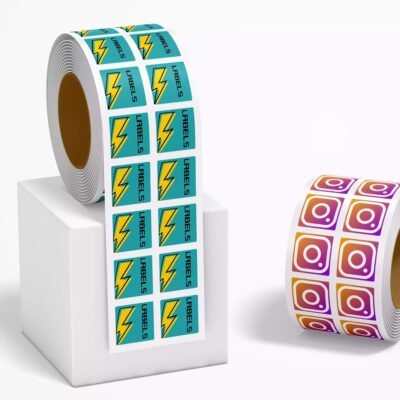
Sheet labels are often convenient for small, varied, hand-applied projects. Roll labels become more practical for repeat production, label dispensers, and compatible applicators. The better format depends on quantity, application speed, storage, variant management, and equipment—not simply on which option has the lower headline price.
Machine application adds technical questions such as core size, maximum roll diameter, gap between labels, liner construction, and unwind direction. There is no universal roll orientation: obtain the required specification from the applicator or co-packer before ordering. See the detailed roll labels versus sheet labels comparison for a workflow-based choice.
Artwork has to work at final size
Product-label artwork should be evaluated on the actual package, not only on a large monitor. Check the smallest type, contrast, hierarchy, cut line, bleed, and safe area at final printed size. Keep essential text and codes away from the trim edge, folds, seams, or regions where the package curves sharply.
Clear and metallic-looking materials can introduce another layer: some designs need white ink beneath selected elements to preserve opacity and color. Without that planning, the package color or product inside a clear container may alter the appearance of the printed design. The exact print and white-ink capabilities must be confirmed with the selected production option before artwork is finalized.
Barcode and QR code placement
A barcode is a functional element, not decoration. Size, contrast, quiet zones, print defects, package curvature, and interference from wrapping or seams can all affect readability. GS1 also advises preserving the required open area around codes and avoiding unnecessary truncation of linear barcodes. GS1 US barcode placement guidance explains the major placement considerations.
Gloss or sheen, nearby graphics, inadequate contrast, and wrapping a code around a tight curve can also interfere with 2D-code scanning. Generate the final code from the correct data, place it at its intended printed size, and test printed production samples on the filled package with the devices used in the real workflow.
Printing a label is different from establishing compliance
Material, adhesive, finish, dimensions, code placement, and roll format are print-production decisions. They do not establish that a label meets every legal requirement. A printer can reproduce supplied artwork, but the responsible business must determine which rules apply to the product and market.
For FDA-regulated packaged foods, for example, FDA guidance describes the principal display panel as the area most likely to be seen by consumers at purchase. It places the statement of identity and net-quantity statement on that panel, while other required information ordinarily appears on the information panel immediately to its right as viewed by the consumer. FDA’s Food Labeling Guide provides the agency’s detailed framework.
Food, cosmetics, alcohol, chemicals, cannabis, children’s products, and other regulated categories can involve different agencies and rules. Establish the applicable content, placement, type-size, warning, language, and recordkeeping requirements before approving the print file. Packaging design and legal review should run as coordinated but distinct tasks.
A practical product-label ordering checklist
- Use the final production container, not a nominal fill volume or an early packaging sample.
- Record the substrate: glass, PET, HDPE, polypropylene, paperboard, metal, or flexible packaging.
- Describe surface texture, curvature, coatings, seams, and the available labeling panel.
- Document application temperature and the full service environment.
- State whether labels will be applied by hand, dispenser, semi-automatic equipment, or an automatic applicator.
- Choose sheet or roll delivery based on application workflow, quantity, and variant count.
- Confirm roll core, diameter, spacing, and unwind requirements with the equipment operator when applicable.
- Build artwork at final size and verify bleed, safe area, small text, contrast, and any white-ink requirements.
- Print and test barcodes or QR codes on the actual package rather than relying only on an on-screen preview.
- Run a small production-representative test before scaling. This small-batch label testing guide explains how to evaluate packaging before committing to a larger run.
- Complete the appropriate regulatory review separately from print approval.
The best product label is specified for the whole job
A product label is simultaneously a communication surface and a manufactured component. Its branding may attract attention, but its construction must stick to the package, survive the environment, apply at the required speed, and keep important information usable.
Start with the container, exposure conditions, application method, quantity, and information requirements. Then choose the material, adhesive, finish, format, and artwork around those realities. That order prevents the most expensive label mistake: approving an attractive design before confirming that the label can perform its actual job.
References
- High Quality Custom Labels – Fast and Free Shipping
- Avery Dennison
- Fair Packaging and Labeling Act: Regulations Under Section 5(c) of the Fair Packaging and Labeling Act | Federal Trade Commission
- Packaging and Labeling Requirements FAQs | NIST
- How to Measure a Bottle for a Label Without Guessing – CustomLabels
- Blog – CustomLabels
- Sheet Labels Archives – CustomLabels
- Barcode Placement & Printing Guidelines | GS1 US
- What should I check to ensure good quality barcodes? : GS1 GO Customer Service Portal
- Food Labeling Guide